How ACP Gateway Finds Agents and Their Models
There are now more than forty coding agents that speak the Agent Client Protocol: Gemini CLI, Codex, Claude Agent, Cursor, GitHub Copilot, goose, Junie, Qwen Code and many more. Each one installs differently. Each one offers its own set of models, and that set changes when you log in, change plans, or update the agent.
AgentRQ's open-source ACP Gateway connects any of them to your AgentRQ workspace. To do that without a hand-kept list that is always out of date, it answers two questions on its own: which agents can this computer run, and which models does this agent offer right now. This post explains how it answers each one, and what that makes possible.
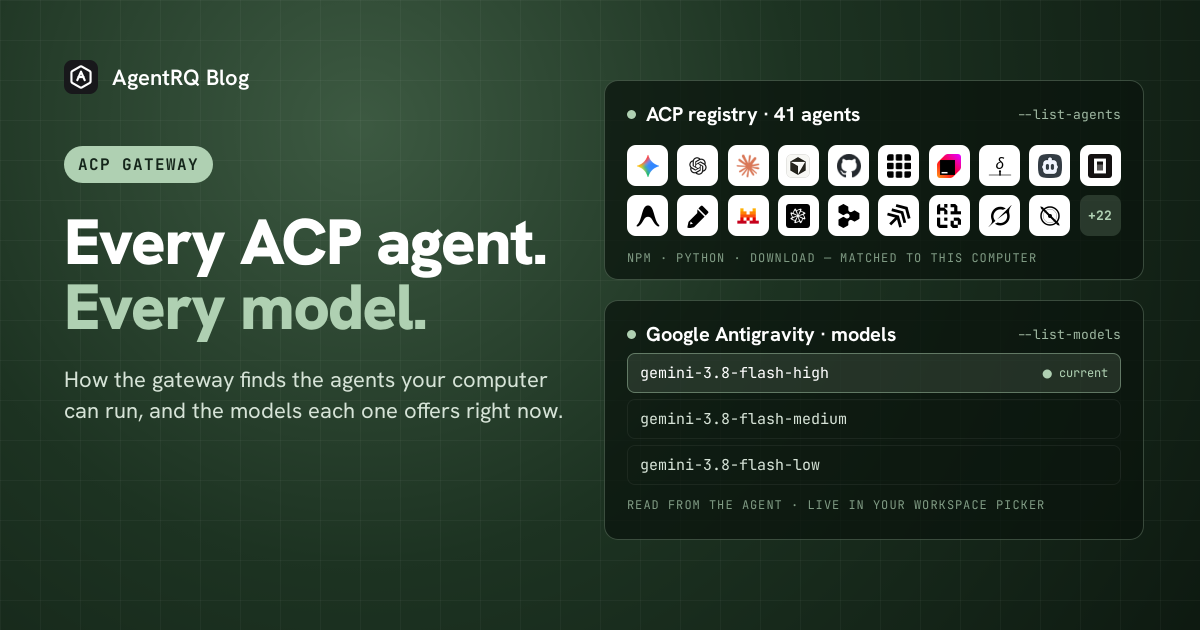
Finding the Agents
The ACP project publishes one public list of every agent that supports the protocol: the ACP registry. Each entry gives an agent's id, its name, its current version, and how it is shipped. There are three ways: as an npm package, as a Python package, or as a ready-made download for each operating system and chip.
The gateway reads that list fresh every time you ask, so it never has a copy of its own to go stale. Then it checks the computer it is running on (macOS, Linux or Windows, on Intel or ARM) and works out how each agent could run there:
An agent that publishes nothing for your computer is listed as unavailable on this platform, not left out. That way you can tell "not built for this machine" apart from "not in the registry". Add --json and you get the same list in a form a script can read.
Running an Agent by Name
The id in the first column is all you need to start that agent:
When an agent is shipped as a package, the gateway runs it through npm or Python's uv, and nothing is installed globally. When it is shipped as a download, the gateway fetches the build for your computer once, keeps it, and uses the kept copy after that. Before it runs a download, it checks the file against the fingerprint (checksum) the registry publishes for it. If the registry gives no fingerprint, the gateway refuses to install it unless you allow that yourself. Builds can run to hundreds of megabytes, so a progress bar shows how far along the download is.
Your workspace learns which agent is attached as soon as the gateway connects, from the registry's name for it. This happens before the agent has done any work. Once the agent starts, its own name and version replace the registry's.
Every Agent in the Registry Today
These are the 41 agents the registry lists as of this post. Each one links to its page in our docs, which has the command to run it and anything special it needs. The full agent list also covers agents that connect to AgentRQ in other ways, and the ACP support table shows which agents support ACP natively and which need an adapter.
 Agoragentic--agent agoragentic-acp · npm package
 Amp--agent amp-acp · download
 Google Antigravity--agent antigravity-acp · download
 Auggie CLI--agent auggie · npm package
 Autohand Code--agent autohand · npm package
 Claude Agent--agent claude-acp · npm package
 Cline--agent cline · npm package
 Codebuddy Code--agent codebuddy-code · npm package
 Codex--agent codex-acp · npm package
 Cortex Code--agent cortex-code · download
 Corust Agent--agent corust-agent · download
 crow-cli--agent crow-cli · download
 Cursor--agent cursor · download
 DeepAgents--agent deepagents · npm package
 Devin--agent devin · download
 DimCode--agent dimcode · npm package
 Dirac--agent dirac · npm package
 Factory Droid--agent factory-droid · npm package
 fast-agent--agent fast-agent · Python package
 Gemini CLI--agent gemini · npm package
 GitHub Copilot--agent github-copilot-cli · npm package
 GLM Agent--agent glm-acp-agent · npm package
 goose--agent goose · download
 Grok Build--agent grok-build · npm package
 Harn--agent harn · download
 Junie--agent junie · download
 Kilo--agent kilo · npm package, download
 Kimchi--agent kimchi · download
 Kimi CLI--agent kimi · download
 MiniMax Code--agent minimax-code · npm package
 Minion Code--agent minion-code · Python package
 Mistral Vibe--agent mistral-vibe · download
 Nova--agent nova · npm package
 OpenCode--agent opencode · download
 pi ACP--agent pi-acp · npm package
 Poolside--agent poolside · download
 Qoder CLI--agent qoder · npm package
 Qwen Code--agent qwen-code · npm package
 siGit Code--agent sigit · npm package, download
 Stakpak--agent stakpak · download
 VT Code--agent vtcode · download
Finding the Models
The registry tells you how to start an agent. It does not tell you which models the agent offers. That list belongs to the agent, depends on your account, and can change at any time. The only way to learn it is to ask the agent.
So the gateway asks as soon as it starts, before any task has arrived. It starts the agent, opens a session, and reads the settings the agent offers for that session. One of them is usually the model picker. Agents offer other menus that look a lot like it, such as reasoning effort or thinking level. The gateway skips those, finds the menu that actually chooses the model, and reads every model in it, including which one is selected now. When an agent groups its models (by provider, for example), the groups are kept.
You can see the same list from a terminal:
The current model is marked. --json works here too, and gives a flat list of the ids you can pass back as --model. If the agent needs a login first, the gateway asks for one and then tries again. If it offers no model menu at all, the gateway says so instead of guessing.
The same list goes to your workspace. The model picker on the workspace card is filled in as soon as the gateway connects, not after the first task finishes.
Keeping the Model List True
Agents change their model lists while they run, for example after a login or when a new model is enabled on your account. Each time the agent sends a new list, the gateway passes it to the workspace, so the picker always shows what the agent offers now.
Choosing a model in the picker sends that choice back down to the agent. The picker shows the new model as pending until the agent confirms it. If the agent refuses, or never answers, the picker goes back to the model the agent is actually running. It never shows a model that nothing switched to. That still holds when the session has already ended by the time your choice arrives.
--model sets the model a session starts on. You can give the id or the name shown in the picker, so you can copy whichever one you see.
What This Unlocks
One command instead of forty install guides. Before the registry, connecting a new agent meant finding its install steps, getting the right build for your computer, and writing the launch command by hand. Now you run --list-agents, pick an id, and run --agent <id>. Trying three agents on the same task takes three commands, not an afternoon of setup.
New agents show up without an AgentRQ release. The list is the registry, read live. When an agent joins the registry, or ships a new version, --list-agents shows it the next time you run it. Nobody at AgentRQ has to add it first, and you do not have to upgrade the gateway.
You pick the model where you manage the work. The model list reaches your workspace before any task runs. So choosing a model becomes part of handing out work, right next to the task board, and not something you do in a terminal on another computer. That counts most for agents on remote computers you have connected with AgentRQ Machines: you can move the agent on a build server to a cheaper model for routine tasks, or a stronger one for a hard bug, from your browser or your phone.
A picker you can trust. A picker that shows the model you asked for, not the one the agent is running, is worse than no picker at all. Every switch ends with the agent's own answer, so what you see on the workspace card is what the agent is using.
Scripts and fleets get the same answers. With --json, a setup script can check that an agent is available for a server's platform, or that a model exists, before it starts anything. The same discovery that fills the picker works with no one watching.
Frequently Asked Questions
Do I need to update the gateway when a new agent joins the registry?
No. The gateway reads the registry every time it runs, so a new agent is available as soon as the registry lists it.
What if my agent is not in the registry?
Put its own launch command after --, for example acp-gateway -- my-agent --acp. Model discovery works the same way for any agent that speaks ACP, listed or not.
Why does my agent show no models?
Either the agent does not offer a model menu over ACP, or it needs a login first. Run the gateway with --login and the same --agent, then try --list-models again.
Is it safe to run a downloaded agent?
The gateway only installs a download whose checksum the registry publishes and the file matches. You can allow an unchecked download with --allow-unverified-agent, or install the agent yourself and pass its command after --.
Can I use my own copy of the registry?
Yes. --registry-url points the gateway at a different list. This is useful for pinning a known-good version, or for testing an agent before it is published.
Try It
The connect an ACP agent guide shows how to point the gateway at your workspace. The gateway is open source in the acp-gateway repository. Running agents from the registry landed in PR #35, listing models in PR #55, learning them before the first task in PR #73, choosing a model from the workspace in PR #76, and JSON output in PR #93.
---
AgentRQ is currently in public beta. Join our GitHub community to help shape the future of human-agent collaboration.