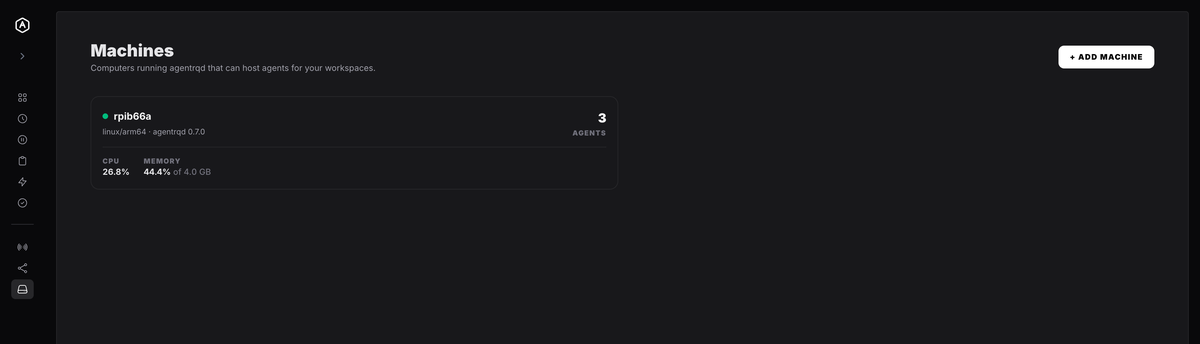
app.agentrq.com/sessions
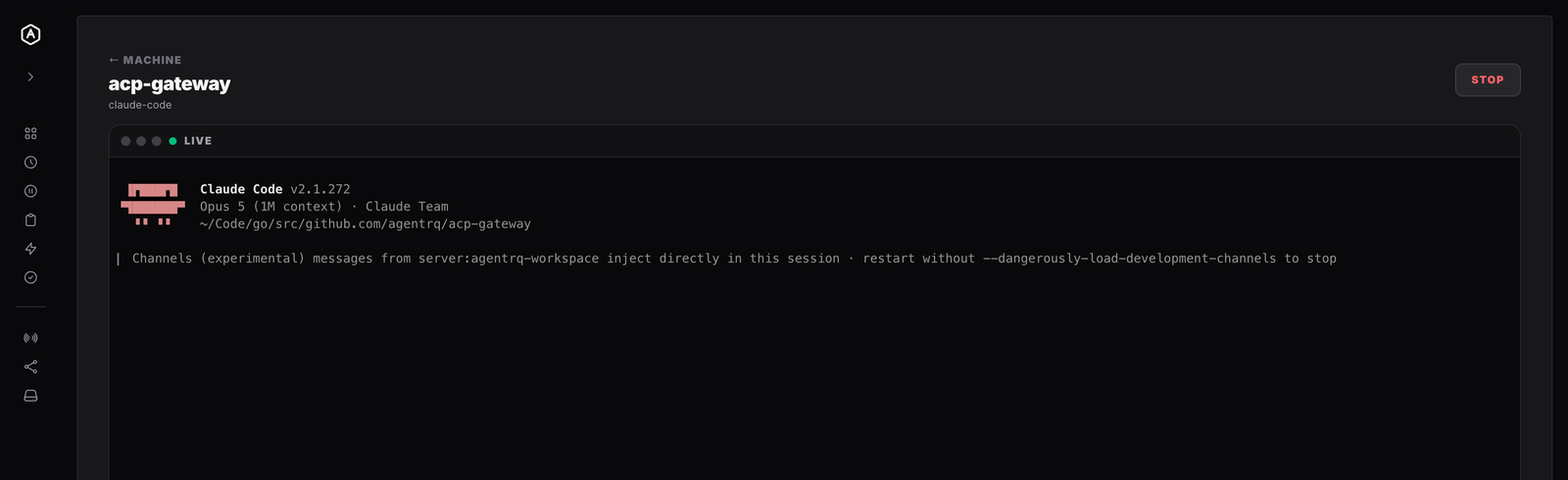
Live capture from the AgentRQ app — a claude-code session started on an enrolled machine, attached and marked live.
Install agentrqd on a computer you own, enrol it once, and it
becomes a place agents can run — in your repositories, with your toolchain. Start one from the control
panel, then watch its terminal and type into it from any browser.
Live capture from the AgentRQ app — a claude-code session started on an enrolled machine, attached and marked live.
Type a single-use code on your own computer and it comes online. Pick a workspace, start an agent, and watch the machine's load follow the work.
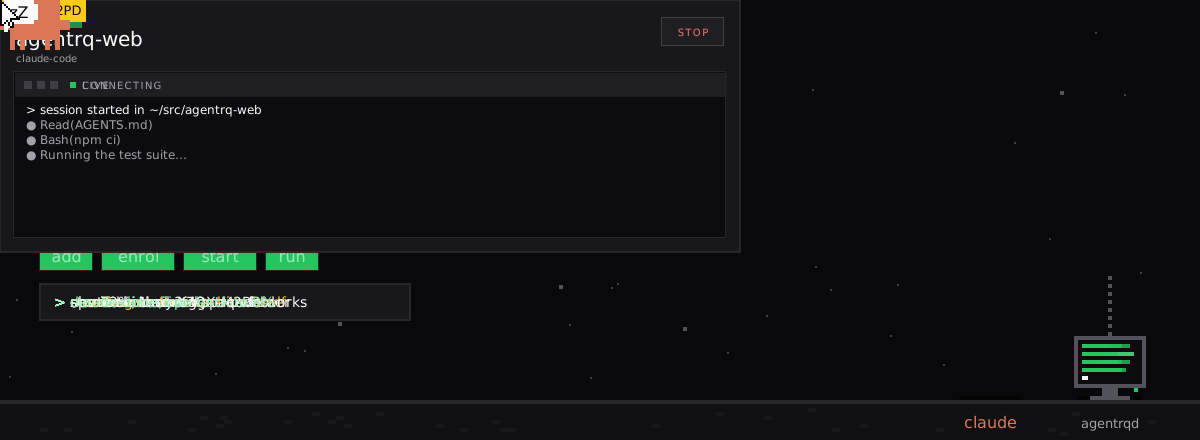
Open a running session and you are at its prompt. Every key goes down the wire, and the session keeps working when you close the tab.
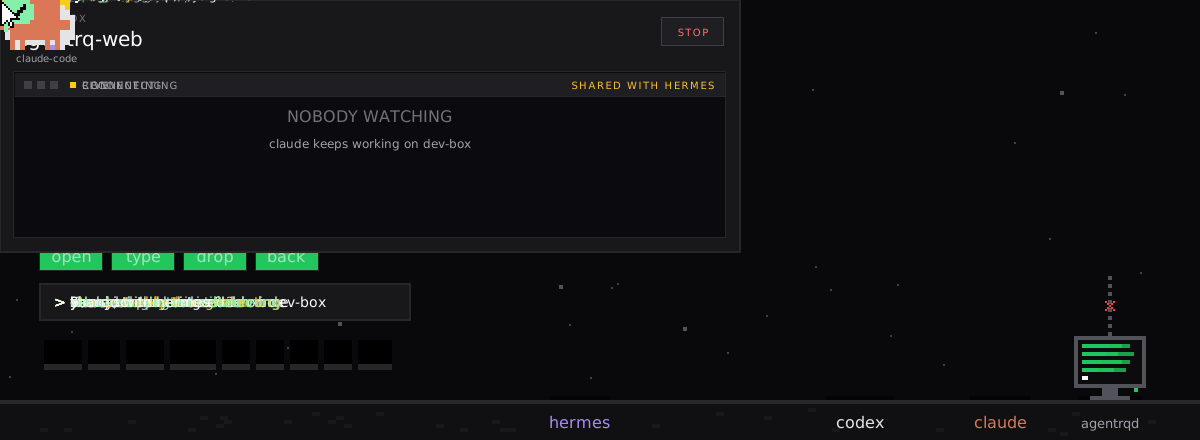
One binary, one enrolment, and every computer you own becomes somewhere an agent can work.
agentrqd is
one static binary for Linux, macOS and Windows. Machines → Add machine gives you a
single-use code you type on the machine itself — there is no remote enrolment.
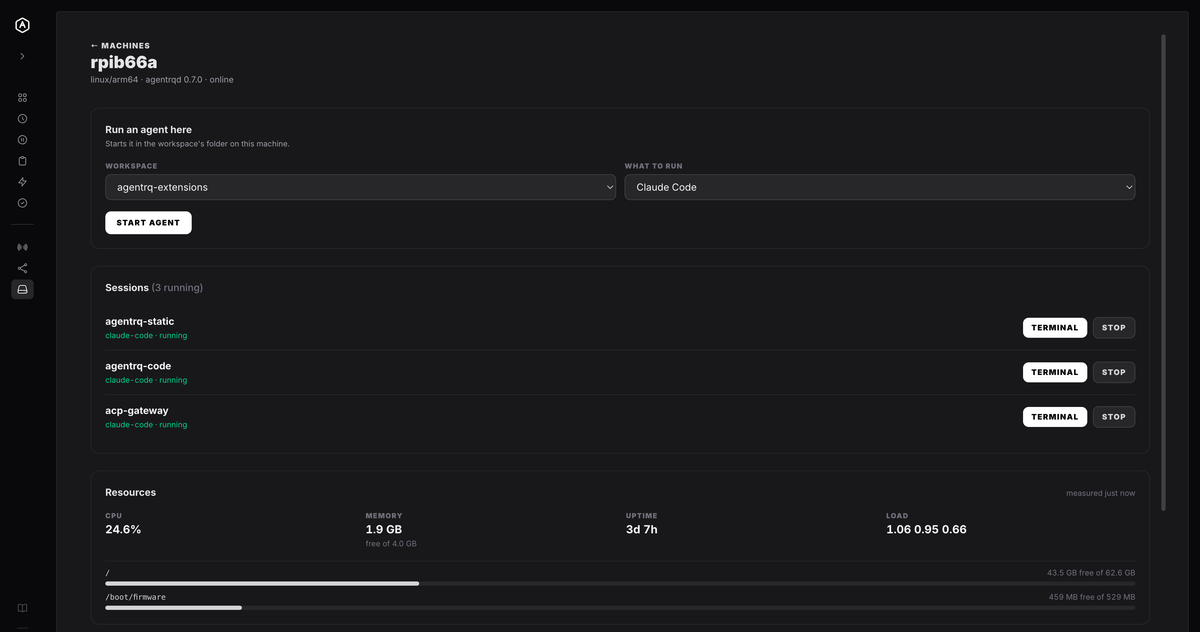
Pick a workspace and what to run, and it starts in that workspace's folder on that machine. Every reason a launch would be refused is worked out and shown before you press the button, not after.
Open the terminal and you are at the prompt. Keystrokes go straight through as the bytes your keys produced, resize reflows the program on the far end, and the session keeps running whether or not anybody is looking.
Everything about a box lives on its own page: the launcher, every session it has run, and what it has left to give. Sessions show the workspace as the heading — the kind is the same on most of them — with Terminal and Stop on the live ones.
The resource readings are there to answer one question before you start another agent: can this machine take it. CPU, free memory, uptime, load average, and free space per filesystem. A machine that has never reported says so rather than showing zeros.
Press M anywhere in the app to jump to one: a search box over your machines, online ones first, that opens the page you pick. See keyboard shortcuts.
Seeing the output and using the terminal are very different products, and only one of them lets you change what happens next.
What travels is exactly the bytes your keys produced —
Esc is 0x1b, an arrow is
ESC [ A. Interrupting an agent that has
misunderstood is one keystroke, not one task.
The pane measures itself and tells the far end its new columns and rows, so the program on the other side genuinely reflows rather than wrapping against a size nobody told it about.
Two browsers on one terminal is allowed — it is how you show a colleague what is happening — but the header names the other viewer, so it is never implicit.
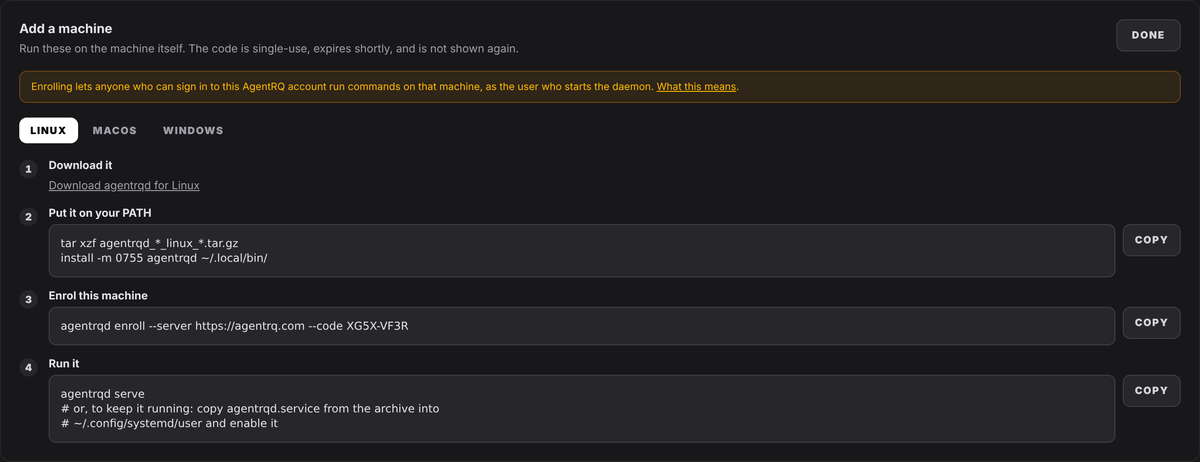
Enrolling a machine lets anyone who can authenticate as that AgentRQ account run commands on it as the user who started the daemon. The panel says so above the commands, in the last moment where stopping is easy, and the Daemon Guide leads with it rather than burying it.
Enrolment is local-only: somebody has to be at the machine to type the code, which is what makes it
safe to show in a browser. Installing the daemon is one command — curl -fsSL https://agentrq.com/install-agentrqd.sh | sh
— which verifies the download against the SHA-256 checksums published with the release before
anything is unpacked. That check is fail-closed and there is no flag to skip it, which is what makes
the pipe worth its cost: the manual route it replaced verified nothing at all.
Reading the script first is still the better habit on a machine you are about to grant command
access to — fetch it with -o, read it, run it, and
it is the same install. It installs and nothing else: no enrolment, no service, nothing started,
and never as root.
Not advice in a README — behaviour in the daemon, which is the only kind that holds when the server is wrong.
The daemon runs claude-code and acp-gateway. The panel asks for a kind, and the daemon
decides from its own configuration what that means. There is no message that says "run this", so a
compromised backend cannot ask a machine for a shell.
Not a warning — a refusal. An agent inherits the daemon's powers, so the daemon declines to have more than yours. That is a meaningful limit, and it is not isolation.
agentrqd disable deletes the token from disk and takes
effect immediately, whatever the server believes. Removing the machine in the panel revokes it
server-side. Either alone is enough, on purpose.
agentrqd status reports what is running now, in which
folder, for which profile — and whether anybody is attached to its terminal at this moment, without
asking the account that might be watching.
Keystrokes are passwords, tokens and the contents of files. Recording them would build the most sensitive log in the system to answer a question nobody asked.
That an attach happened, and when, is the fact worth keeping. The daemon also logs locally when a viewer attaches to a terminal on this machine and when they leave.
The daemon checks for new releases and tells the panel, but it never updates on its own initiative — because approving one means stop every agent on this machine, replace the daemon, start them again. Those sessions come back as new terminals: same agent, same folder, empty scrollback. The panel marks them restored so an empty terminal is explained rather than alarming.
Before replacing anything it checks the release manifest's signature against a key built into it,
checks the download against the manifest's checksum, runs the new binary to confirm it works here,
and writes down what was running — then stops it. A build with no release key refuses to update
itself and says so, and agentrqd rollback puts the
previous binary back.