Human-in-the-Loop Task Manager for AI Agents
Events

One Task Finishes,
The Next One Starts

Events are named signals — qa_passed, deploy_finished, blog_published — that any task can fire when it completes. Wire one to a workspace and that workspace gets a new task automatically, no polling and no glue code.

app.agentrq.com/events

Live capture from the AgentRQ app — the Events list, then a real event's configured trigger and the task it spawned.

How It Works

Name a signal, wire it to a workspace, and let completion drive the next step.

1

Name an Event

Create an event like build_complete with optional payload guidelines describing what data agents should include when they fire it.

2

Add a Trigger

Subscribe a workspace to the event and write a task template — including {{EVENT_PAYLOAD}} placeholders that get filled in from whatever fired the event.

3

Fire It from an Agent

Any agent calls the publishEvent MCP tool when it finishes. Every subscribed workspace instantly gets a new task — completed work becomes the next task's input.

Name Your Own Signals

Events are just names your team agrees on — qa_failed, qa_passed, feature_shipped, release_ready, social_posted, changelog_updated, blog_published — there's no fixed vocabulary. Create as many as your pipeline needs.

Any agent can fire any event via publishEvent, and every event's detail page shows both its configured triggers and the full history of tasks it has spawned — a live audit trail of what kicked off what.
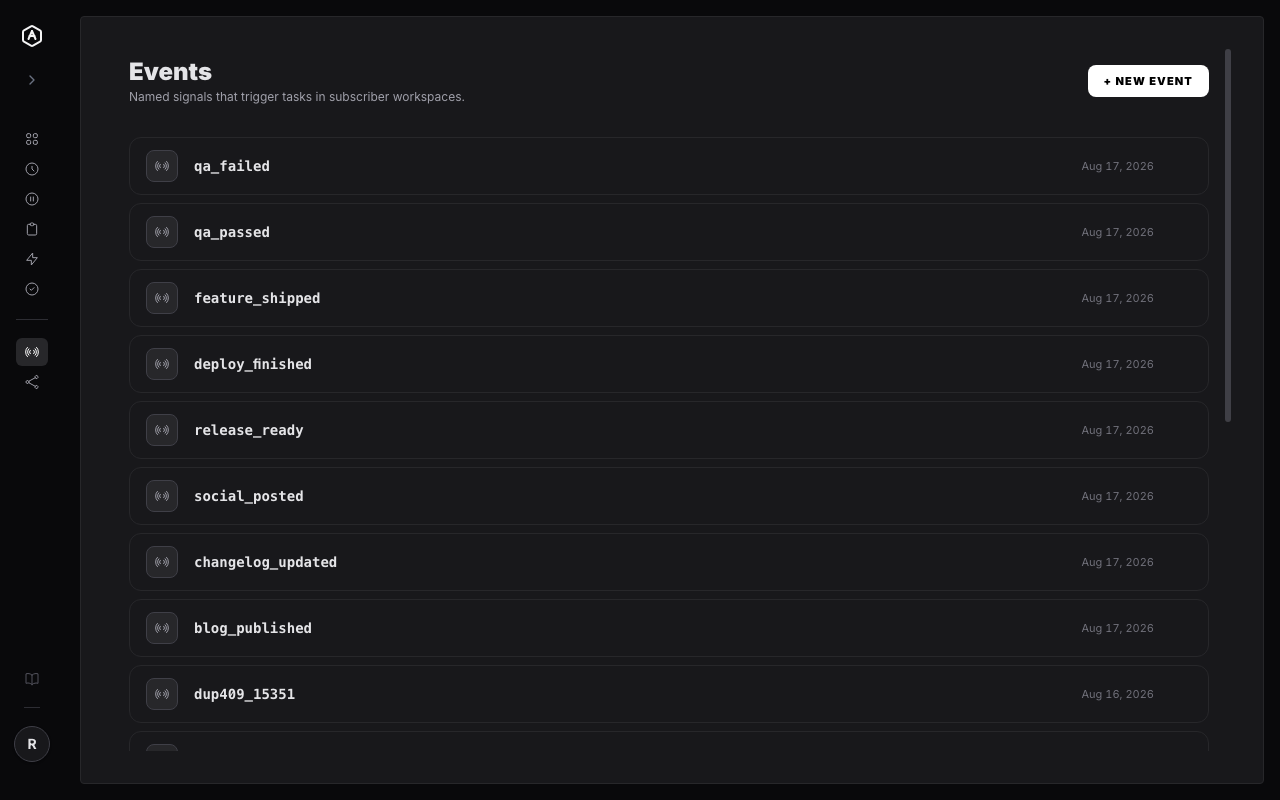
AgentRQ Events list showing named signals
Free During Beta

Chain Your Agents Together

Sign up, name an event, and let one completion trigger the next task.

More Features