
How to Enable YOLO Mode in AutoDev
AutoDev has no YOLO switch, and it doesn't need one. Its default tool policy allows file reads, file writes, searches and shell commands without asking, so its coding agent already runs like an agent in YOLO mode. The one built-in brake is a short list of shell commands it refuses outright.
This page is one of our YOLO mode guides, and part of our guide to YOLO mode in every coding agent. Everything below was checked against the AutoDev source (phodal/auto-dev, CLI package @xiuper/cli 1.0.2) on October 30, 2026.
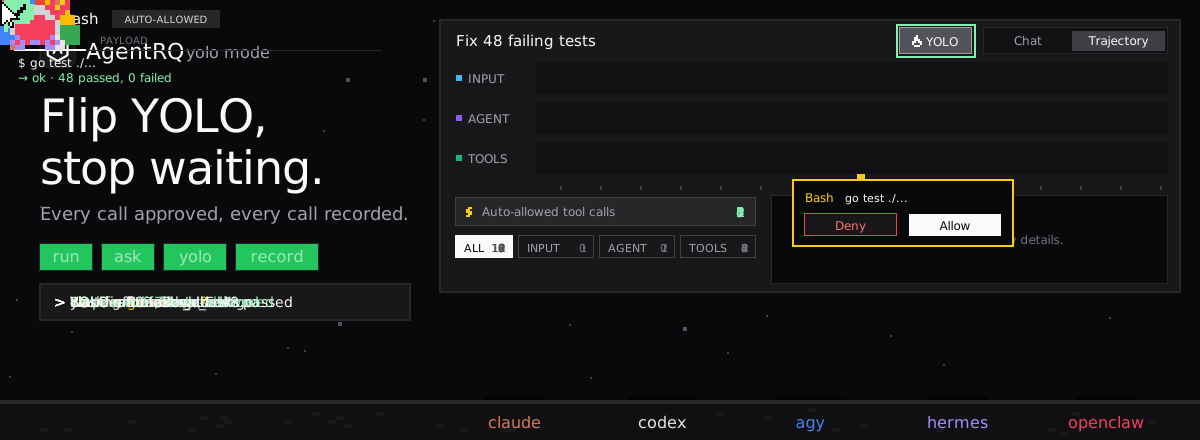
Does AutoDev Have a YOLO Mode?
Not as a setting. AutoDev's coding agent checks every tool call against a policy engine that can allow, deny or ask. The default rules allow reading and writing files, glob, grep and shell commands, and any tool no rule mentions is allowed too. No default rule asks.
What AutoDev does block is a handful of destructive shell commands. Its shell tool rejects any command containing rm -rf /, sudo rm -rf, format, fdisk, dd if=/dev/zero or a fork bomb. That is a string match, not a sandbox: anything else runs with your user's permissions. We found no sandbox in AutoDev's CLI.
AutoDev Over ACP
The AutoDev CLI (autodev, also installed as xiuper) runs as an ACP agent with autodev acp. Its ACP server has code to send a permission request for edit, execute and delete calls when the policy asks. Two things limit what that means in practice:
- → With the default policy nothing asks, so no request is sent.
- → The request is fire-and-forget. The source says so: the renderer interface is synchronous, so the tool call goes ahead without waiting for the answer. If the request fails, AutoDev treats it as approved.
AutoDev's ACP server advertises no session modes.
How to Enable YOLO Mode in AutoDev Through AgentRQ
AgentRQ's YOLO switch works by answering an agent's ACP permission requests before the call runs. AutoDev doesn't wait for an answer, so it effectively runs every call on its own.
Approve From the AgentRQ Task Instead of the Terminal
Connect AutoDev to an AgentRQ workspace through the ACP Gateway (AutoDev setup guide), wrapping its ACP command:
AutoDev then picks up tasks from the workspace and streams its messages and tool calls into them. Don't count on approving its calls from AgentRQ: today they run without waiting. What AgentRQ still gives you is the task itself, replies from the web, your phone or Slack, and a record of every call AutoDev made.
Turn On YOLO for One Task
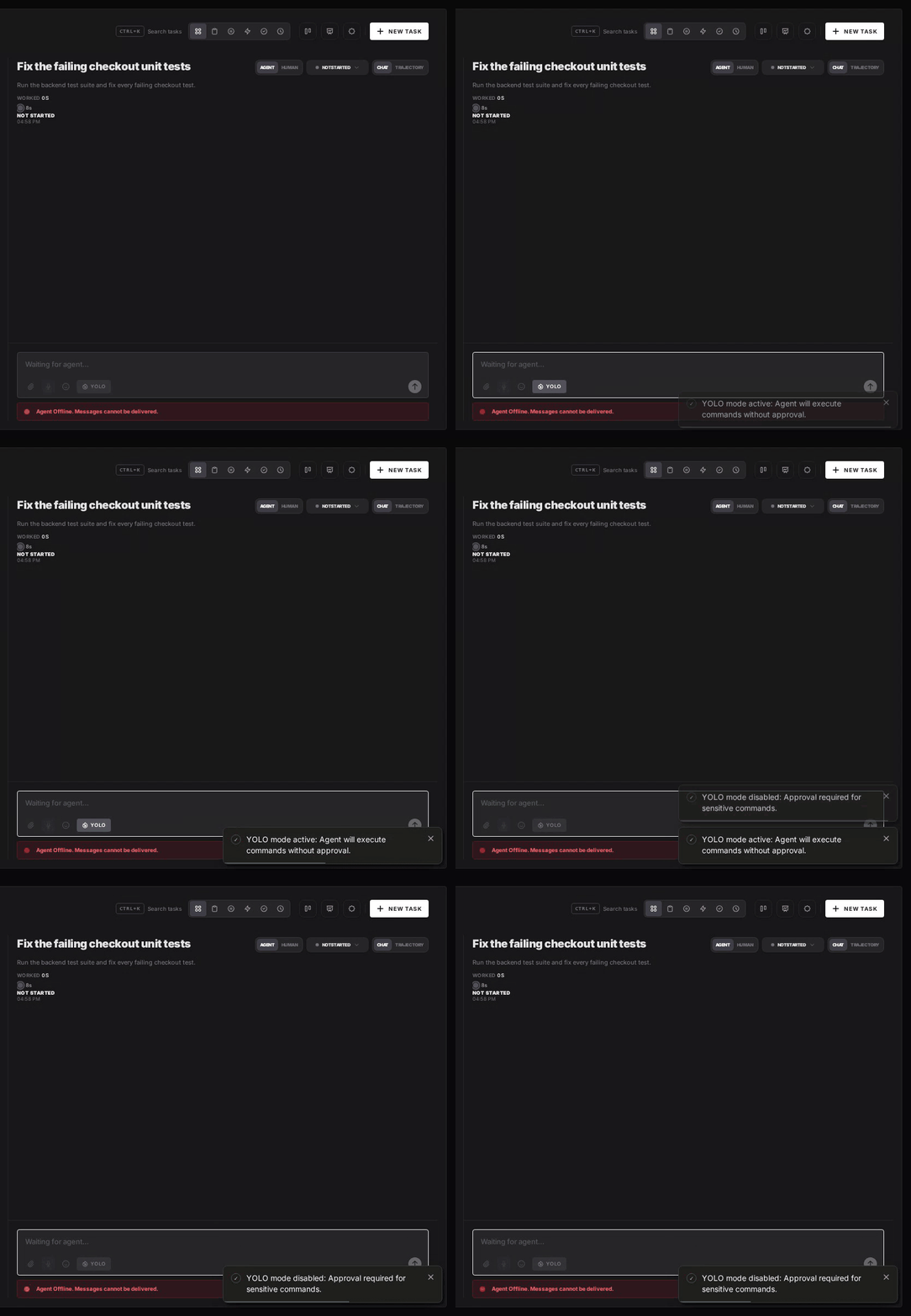
AgentRQ's per-task YOLO mode toggle approves permission requests automatically. AutoDev already runs its calls without waiting, so the toggle changes nothing for it. The toggle still matters for other agents in the same workspace. Scheduled tasks, event triggers and workflow steps have the same switch.
Turn YOLO On or Off in Workspace Settings
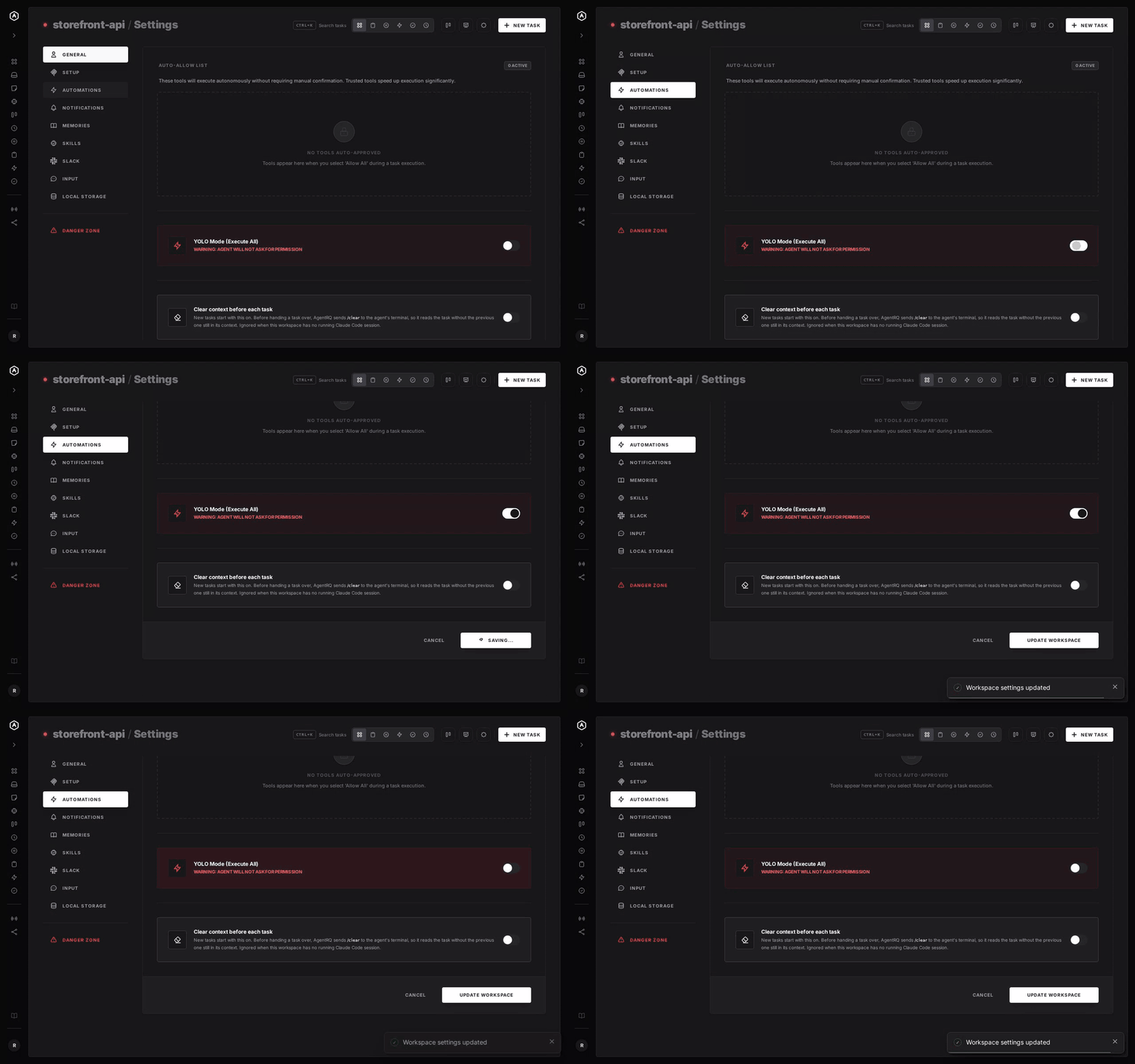
To make YOLO the default for a whole workspace, open the workspace, go to Settings, choose the Automations tab and flip YOLO Mode (Execute All). Click Update Workspace to save. Switch it off the same way. The switch is off by default. Like the task toggle, it does not change how AutoDev behaves.
A Safe Setup for AutoDev
- → Treat it as always in YOLO mode. Give AutoDev only work you would let run unattended.
- → Bring your own sandbox. Run it in a container or a throwaway clone, since it has none of its own.
- → Commit first. Start every task from a clean git tree, so any change is one
git resetaway. - → Read the record. The tool call history lists every call AutoDev made in the task.
FAQ
Does AutoDev have a YOLO mode? Not as a switch. Its default policy already lets file reads, writes and shell commands run without asking.
Does AutoDev block any commands? Yes, a short list. Its shell tool rejects commands containing rm -rf /, sudo rm -rf, format, fdisk, dd if=/dev/zero or a fork bomb.
Can I approve AutoDev's tool calls from AgentRQ? Not today. Its ACP permission request is fire-and-forget, so the call runs without waiting for your answer.
Does AutoDev have a sandbox? We found none. Run it in a container or a throwaway clone.
For every other agent, see what YOLO mode is and how to turn it on in every coding agent.