
How to Enable YOLO Mode in Bub
Bub has no YOLO mode, because it has no approval prompts. When the model calls a tool, Bub runs it. If you want a gate, you write one: a Python handler on Bub's ToolCallStarted event can deny a call before it runs.
This page is one of our YOLO mode guides, and part of our guide to YOLO mode in every coding agent. Everything below was checked against the Bub source and docs (bubbuild/bub, version 0.5.1) and the bub-acp-server plugin (bubbuild/bub-contrib, version 0.1.0) on October 30, 2026.
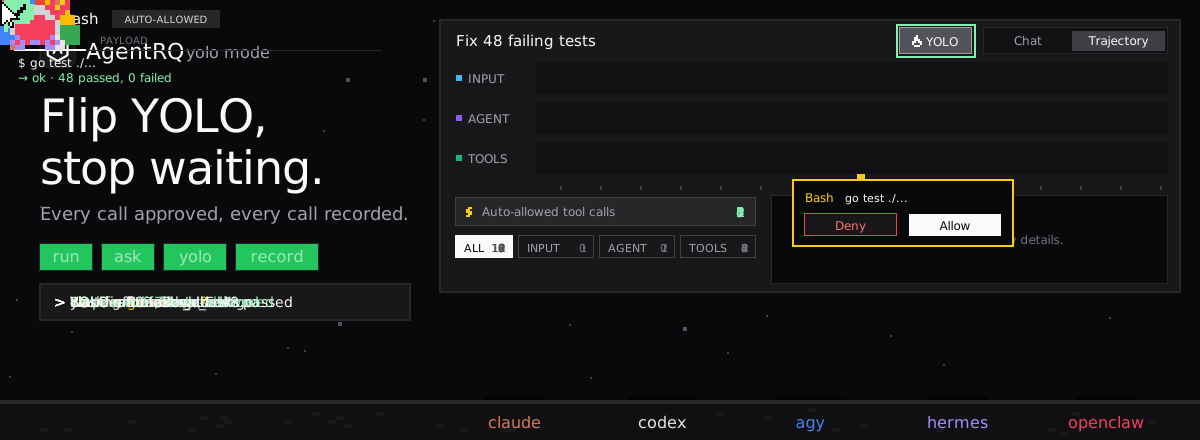
Does Bub Have a YOLO Mode?
No, and it has nothing to switch off. Bub is a Python agent kernel plus an application built on it, and neither asks a human before a tool call. Bub's docs don't describe a sandbox either. Tools run with the permissions of the user running Bub.
How to Restrict Bub Instead
Deny Calls in a Hook
Every tool call emits a ToolCallStarted event before it runs. A handler can deny it, replace its result, or change its arguments. This example is close to the one in Bub's docs:
A denied call skips the tool and returns an error to the model, so it can try something else. Package the handler as a Bub plugin to apply it to the Bub application.
Limit the Tools
When you embed Bub with BubAgent.run_stream, pass allowed_tools to limit what the model can call for that turn. An empty list allows no tools.
Bub Over ACP
The bub-acp-server plugin adds a bub acp command:
Over ACP, Bub streams its messages and tool calls to the client, and lets the client choose the model and reasoning effort for each session. It does not send permission requests, and it advertises no session modes. While the ACP server runs, Bub's bash and file tools are replaced by versions that work through the ACP client.
How to Enable YOLO Mode in Bub Through AgentRQ
AgentRQ's YOLO switch works by answering an agent's ACP permission requests. Bub sends none, so the switch has nothing to approve.
Approve From the AgentRQ Task Instead of the Terminal
Connect Bub to an AgentRQ workspace through the ACP Gateway (Bub setup guide), wrapping its ACP command:
Bub then picks up tasks from the workspace and streams its work into them. You won't get approval prompts in AgentRQ, because Bub does not ask. What AgentRQ still gives you is the task itself, replies from the web, your phone or Slack, and a record of every call Bub made.
Turn On YOLO for One Task
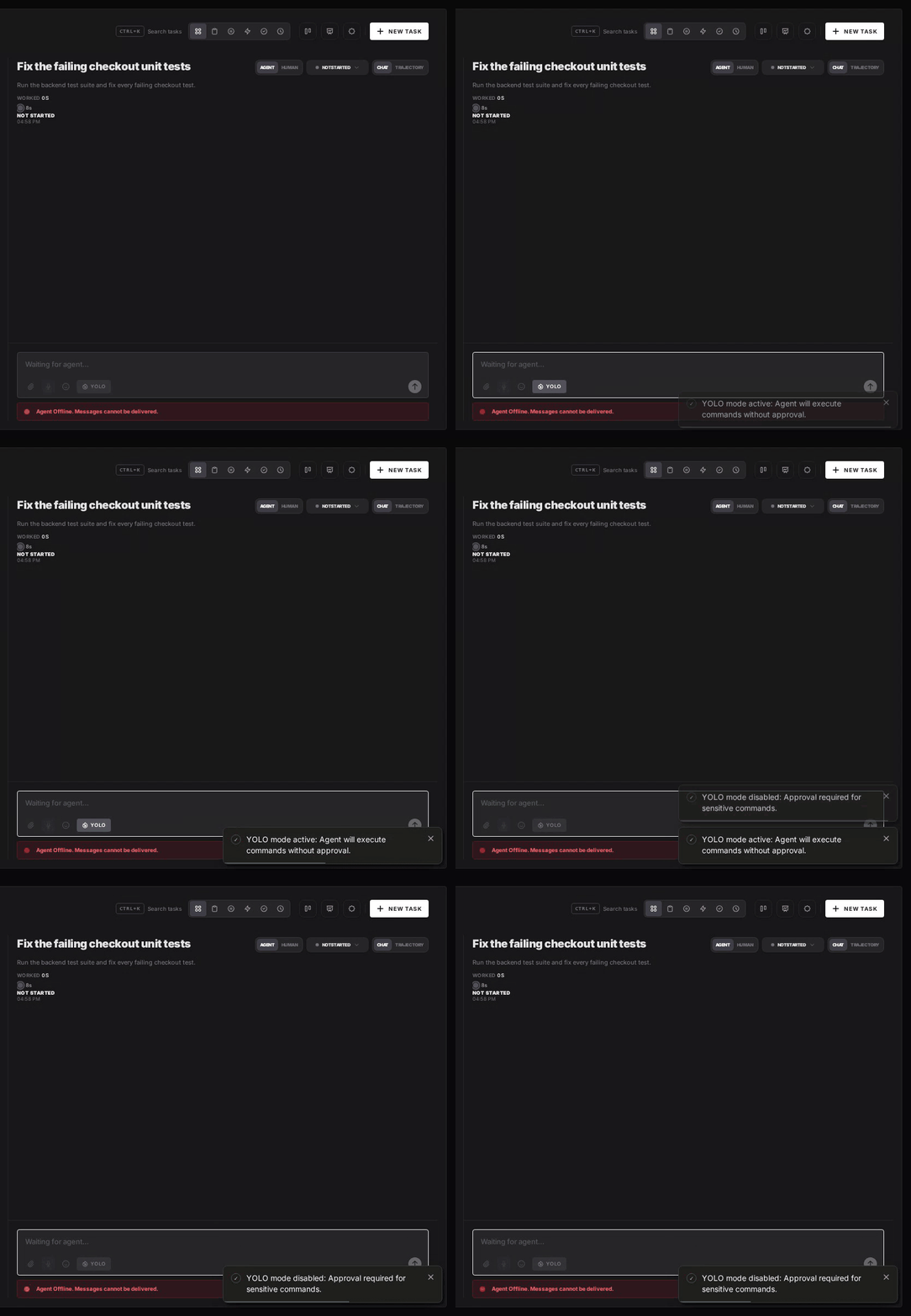
AgentRQ's per-task YOLO mode toggle approves permission requests automatically. Bub sends none, so the toggle changes nothing for it: it already runs every call. The toggle still matters for other agents in the same workspace. Scheduled tasks, event triggers and workflow steps have the same switch.
Turn YOLO On or Off in Workspace Settings
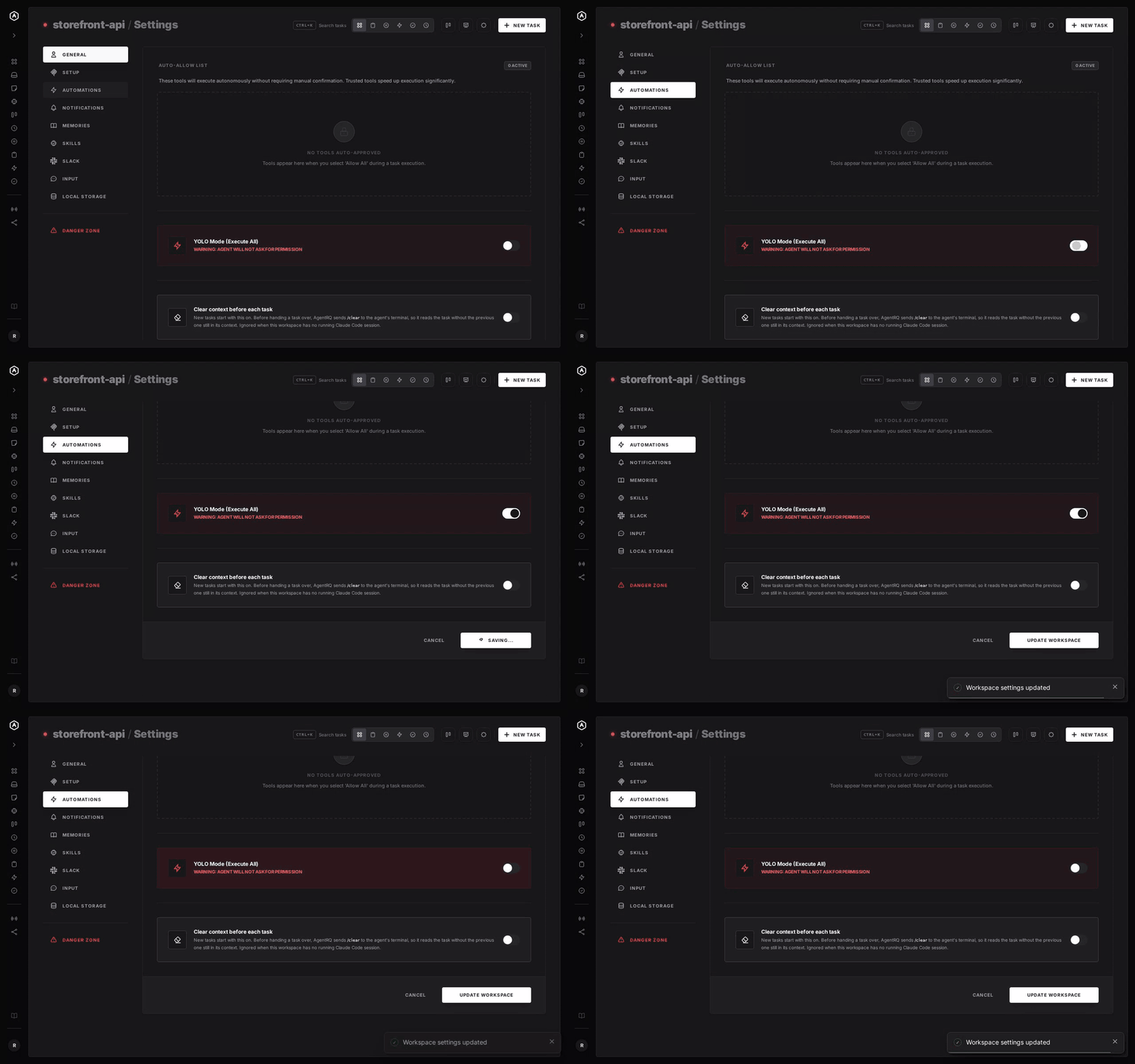
To make YOLO the default for a whole workspace, open the workspace, go to Settings, choose the Automations tab and flip YOLO Mode (Execute All). Click Update Workspace to save. Switch it off the same way. The switch is off by default. Like the task toggle, it does not change how Bub behaves.
A Safe Setup for Bub
- → Write the gate you need. A
ToolCallStartedhandler that denies the commands you never want works whether or not anyone is watching. - → Bring your own sandbox. Bub's repository ships a Dockerfile and a docker-compose.yml. Run it in a container or a throwaway clone.
- → Commit first. Start every task from a clean git tree, so any change is one
git resetaway. - → Read the record. The tool call history lists every call Bub made in the task.
FAQ
Does Bub have a YOLO mode? No. Bub never asks before running a tool, so it always behaves like YOLO mode.
How do I stop Bub from running a command? Handle the ToolCallStarted event and set event.decision = ToolCallDecision.deny("reason"). The tool is skipped and the model gets an error.
How do I run Bub as an ACP agent? Install the plugin with bub install bub-acp-server@main, then run bub acp.
Does AgentRQ's YOLO toggle change anything for Bub? No. The toggle answers ACP permission requests, and Bub never sends any. Its tool calls still show up in the task's history.
For every other agent, see what YOLO mode is and how to turn it on in every coding agent.