
How to Enable YOLO Mode in Construct
Construct's YOLO mode is called always-approve, and it applies to smith, Construct's own agent harness. Press f at an approval prompt to switch a session to it, or start smith with CONSTRUCT_SMITH_AUTOMODE=1. Sessions running Claude Code, Codex or another CLI keep that CLI's own approval rules.
This page is one of our YOLO mode guides, and part of our guide to YOLO mode in every coding agent. Everything below was checked against the Construct source and docs (construct-worlds/construct, version 0.17.14) on October 30, 2026.
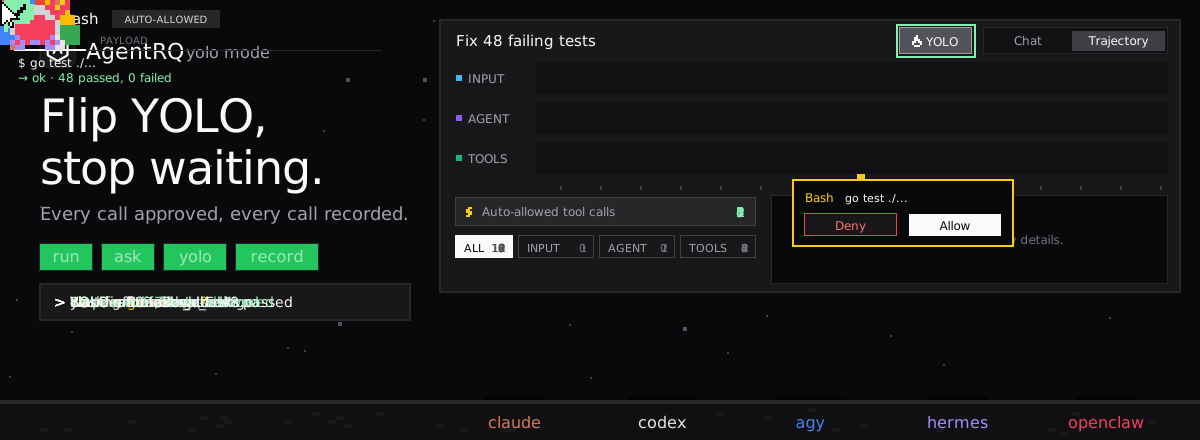
Construct's Approval Modes
Construct is a terminal environment for running a fleet of agent sessions, each on a harness: smith (Construct's own agent), or a wrapped CLI such as Claude Code, Codex, OpenCode or Kimi. Construct gates tool calls only for smith. Smith sorts each call into Safe or Risky, and the session's approval mode decides what happens to the Risky ones:
| Mode | Risky calls |
|---|---|
manual (default) |
Pause for your approval |
auto_review |
A reviewer prompt approves routine work and asks you about the rest |
always-approve |
Run without asking |
always-approve is YOLO mode. On the wire it is called unsafe_auto. Safe calls, such as read-only shell commands marked read_only: true and fleet inspection tools, run immediately in every mode. The auto_review reviewer never denies on its own: when unsure, it asks you.
How to Enable YOLO Mode in Construct
| Where | How |
|---|---|
| At a prompt | f switches the session to always-approve and approves this call |
| Any time | C-x A (Emacs keys) or A (Vim normal mode), or click the mode badge |
| At start | CONSTRUCT_SMITH_AUTOMODE=1 |
The badge and the keys cycle manual, then auto-review, then always-approve, then back to manual. At a prompt, y approves once, n denies, and a hands this call and later ones to auto_review.
Other Harnesses
For every harness except smith, Construct passes the approval mode along and the adapter ignores it. Who gates a risky write depends on the CLI: Claude Code's permission system, Codex's sandbox and approval policy, OpenCode's own interface. To put one of those in YOLO mode, use that CLI's own switch.
Sandbox
Construct does not sandbox smith's tool calls. Its docs say tool calls "run with your permissions". Codex sessions keep Codex's own sandbox.
How to Enable YOLO Mode in Construct Through AgentRQ
Construct runs as an ACP server with construct acp. That server creates, prompts and cancels Construct sessions, but it does not send ACP permission requests and advertises no session modes. Smith's approval prompts stay in Construct's own clients, such as its TUI and the browser client that /remote-control opens for steering the fleet from another device.
Approve From the AgentRQ Task Instead of the Terminal
Connect Construct to an AgentRQ workspace through the ACP Gateway (Construct setup guide), wrapping its ACP command:
Pass --harness: without it, new ACP sessions use Construct's shell harness, which is a plain shell. AgentRQ then gets tasks into Construct and its output back. It does not get smith's approval prompts. Under manual, a Risky call waits for an answer in Construct's own clients, not in AgentRQ.
Turn On YOLO for One Task
AgentRQ's per-task YOLO mode toggle approves ACP permission requests automatically. Construct's ACP server sends none, so the toggle does not change smith's approval mode. Use CONSTRUCT_SMITH_AUTOMODE=1 or the mode badge for that. The toggle still matters for other agents in the same workspace. Scheduled tasks, event triggers and workflow steps have the same switch.
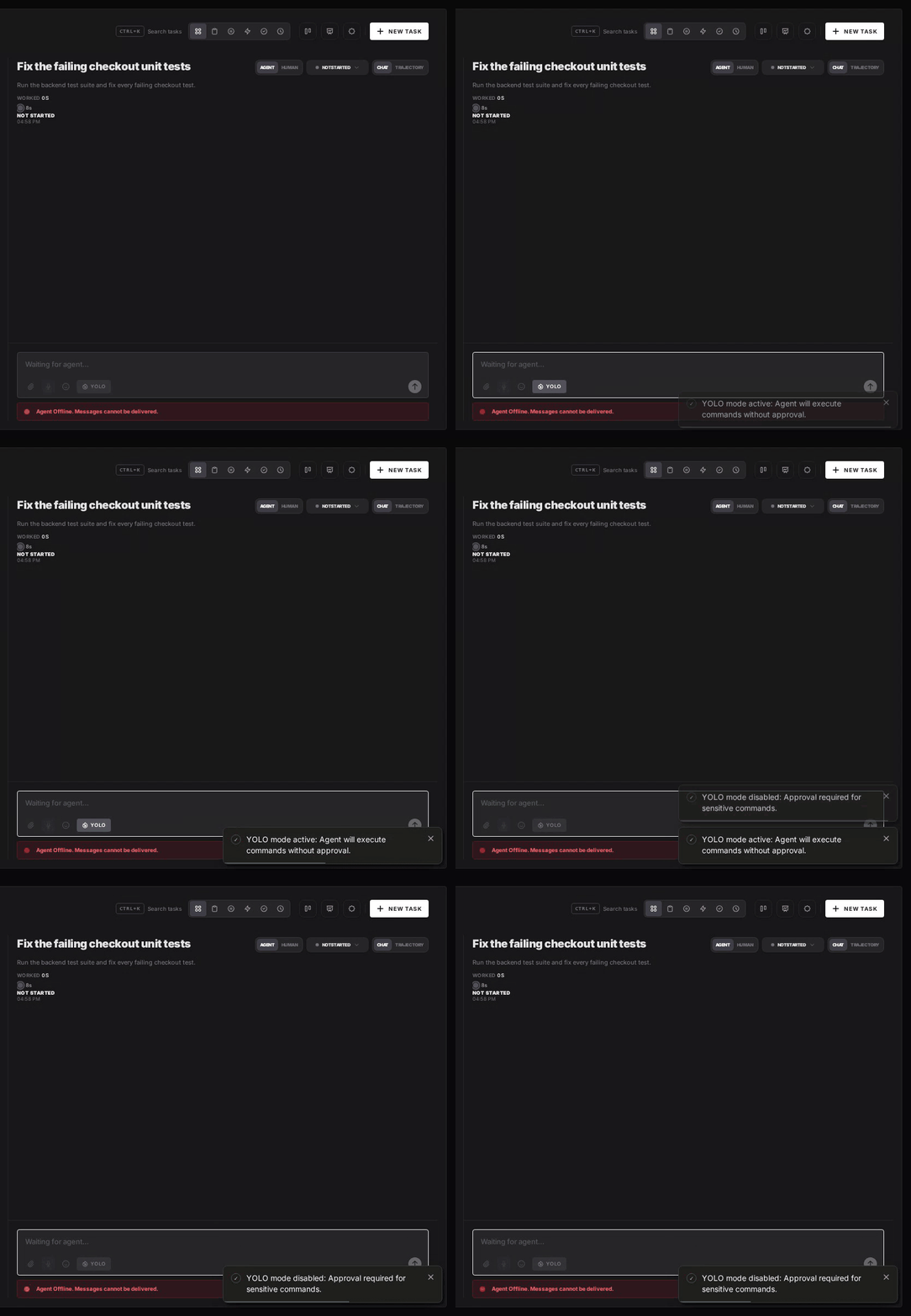
Turn YOLO On or Off in Workspace Settings
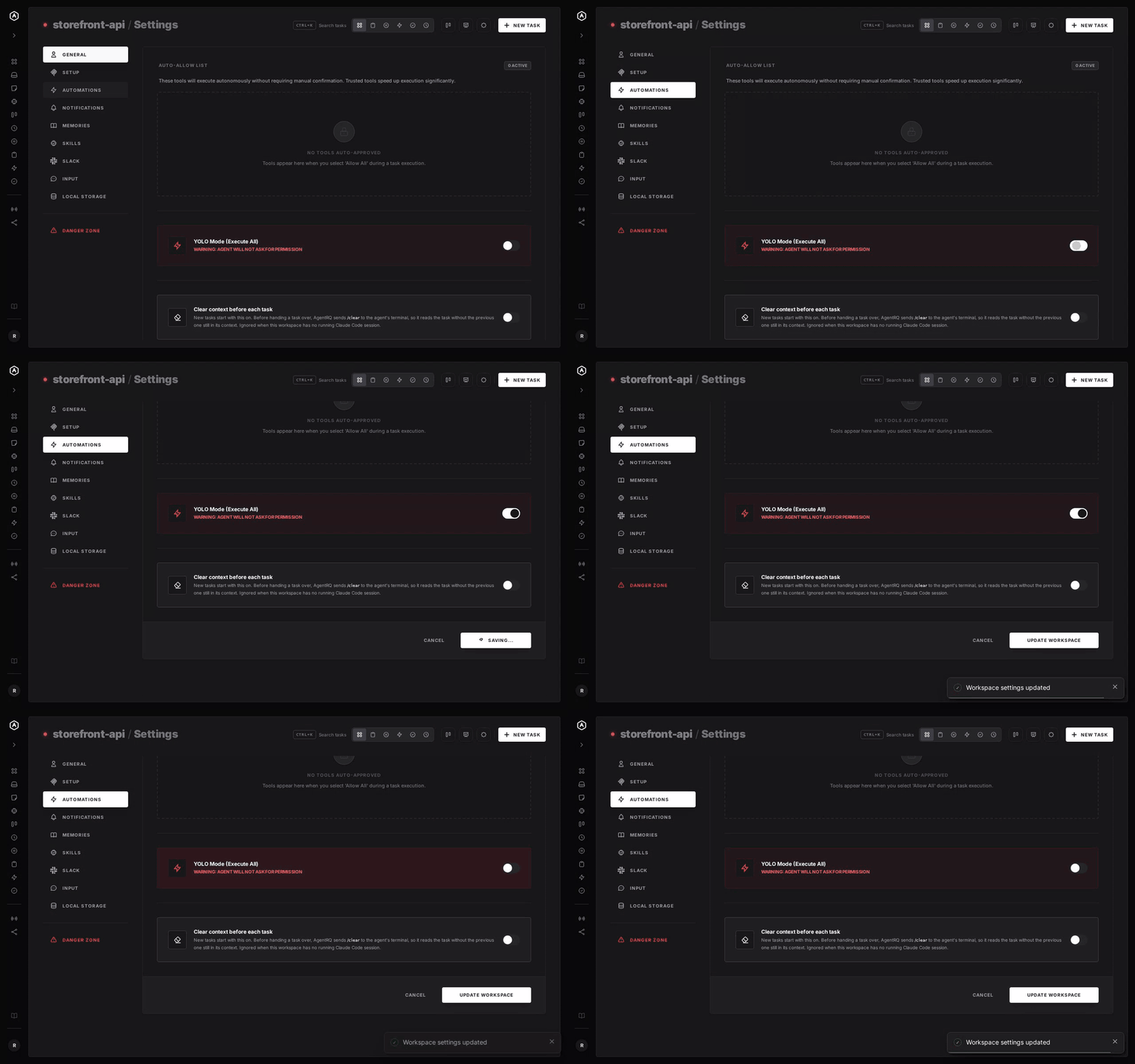
To make YOLO the default for a whole workspace, open the workspace, go to Settings, choose the Automations tab and flip YOLO Mode (Execute All). Click Update Workspace to save. Switch it off the same way. The switch is off by default. Like the task toggle, it does not change Construct's approval mode.
A Safe YOLO Setup for Construct
- → Prefer auto_review to always-approve. It still asks you about broad, sensitive or outside-the-worktree actions.
- → Steer from your phone with Construct's own tool.
/remote-controlopens a browser client for the running daemon, reachable from a phone on the same network. - → Bring your own sandbox. Smith runs with your permissions, so put YOLO sessions in a container or a throwaway clone.
- → Commit first. Start every YOLO session from a clean git tree, so any change is one
git resetaway. - → Read the record. The tool call history lists the calls Construct reported to the task.
FAQ
How do I enable YOLO mode in Construct? Press f at a smith approval prompt, cycle the mode badge to always-approve, or start Construct with CONSTRUCT_SMITH_AUTOMODE=1.
What is unsafe_auto in Construct? The wire name for always-approve, the mode where smith runs every tool call without asking.
Does Construct's approval mode apply to Claude Code or Codex sessions? No. Only smith honors it. Other harnesses keep their own CLI's approval rules.
Can AgentRQ answer Construct's approval prompts? No. Construct's ACP server does not send permission requests, so smith's prompts appear only in Construct's own clients.
Does Construct have a sandbox? Not for smith. Its tool calls run with your permissions.
For every other agent, see what YOLO mode is and how to turn it on in every coding agent.