
How to Enable YOLO Mode in crow-cli
crow-cli has no YOLO mode, because its agent never asks for permission. In the words of its own source, "crow's agent never asks: it owns execution". What crow-cli does have is an unusual way to limit it: the agent has no built-in tools, and only gets the MCP servers its client passes in.
This page is one of our YOLO mode guides, and part of our guide to YOLO mode in every coding agent. Everything below was checked against the crow-cli source and README (crow-cli/crow-cli, version 0.1.48) on October 30, 2026.
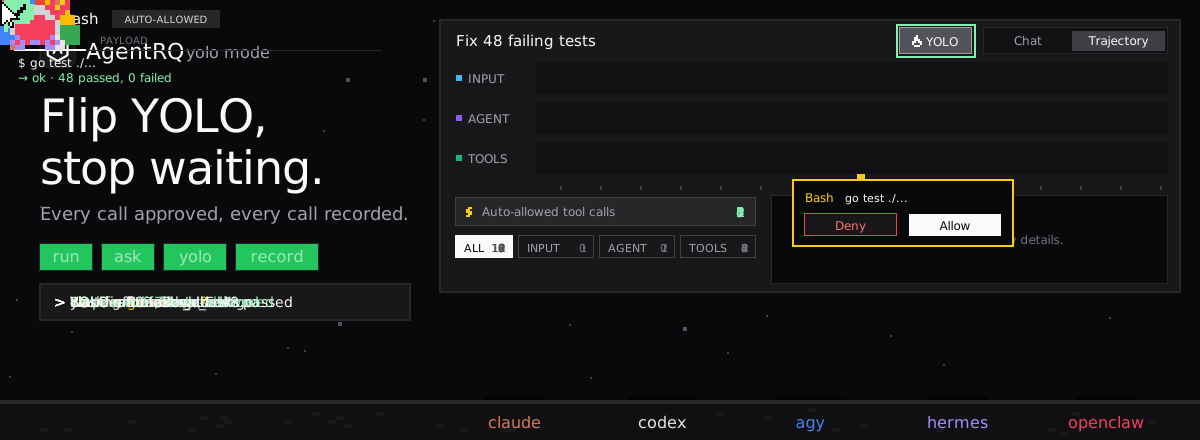
Does crow-cli Have a YOLO Mode?
No. crow-cli is an ACP coding agent with several first-party clients (a terminal client, a TUI, an IDE). None of them is a permission surface, because the agent runs every tool call it makes. Its ACP server sends no permission requests and offers no session modes that change this.
There is no sandbox either. crow's file tools are governed by your user's file permissions, with no working-directory restriction.
How to Limit crow-cli Instead
crow-cli's README puts it plainly: the agent has no built-in MCP servers. A session gets exactly the tools in the mcpServers its client passes at session/new. A client that passes nothing gets an agent with zero tools. crow's own clients pass crow's MCP server, crow-cli mcp, which crow-cli init writes into ~/.agents/crow/config.yaml.
That server's --include-tools flag is the allowlist. crow-cli mcp --list-tools prints the names it accepts:
The full set includes read, write, edit, terminal (shell commands), execute (a persistent IPython kernel), web search and fetch, vision, memory and subagent tools. Leave out terminal, execute, write and edit, and crow can look but not touch.
How to Enable YOLO Mode in crow-cli Through AgentRQ
AgentRQ's YOLO switch works by answering an agent's ACP permission requests. crow-cli sends none, so the switch has nothing to approve. What AgentRQ controls instead is which tools crow gets.
Approve From the AgentRQ Task Instead of the Terminal
Connect crow-cli to an AgentRQ workspace through the ACP Gateway (crow-cli setup guide):
The gateway passes every server in your project's .mcp.json to each session the agent opens. For crow, that file is its whole tool supply. Add crow's MCP server next to the AgentRQ entry, narrowed to the tools you want it to have:
You won't get approval prompts in AgentRQ, because crow does not ask. What AgentRQ still gives you is the task itself, replies from the web, your phone or Slack, and a record of every call crow made.
Turn On YOLO for One Task
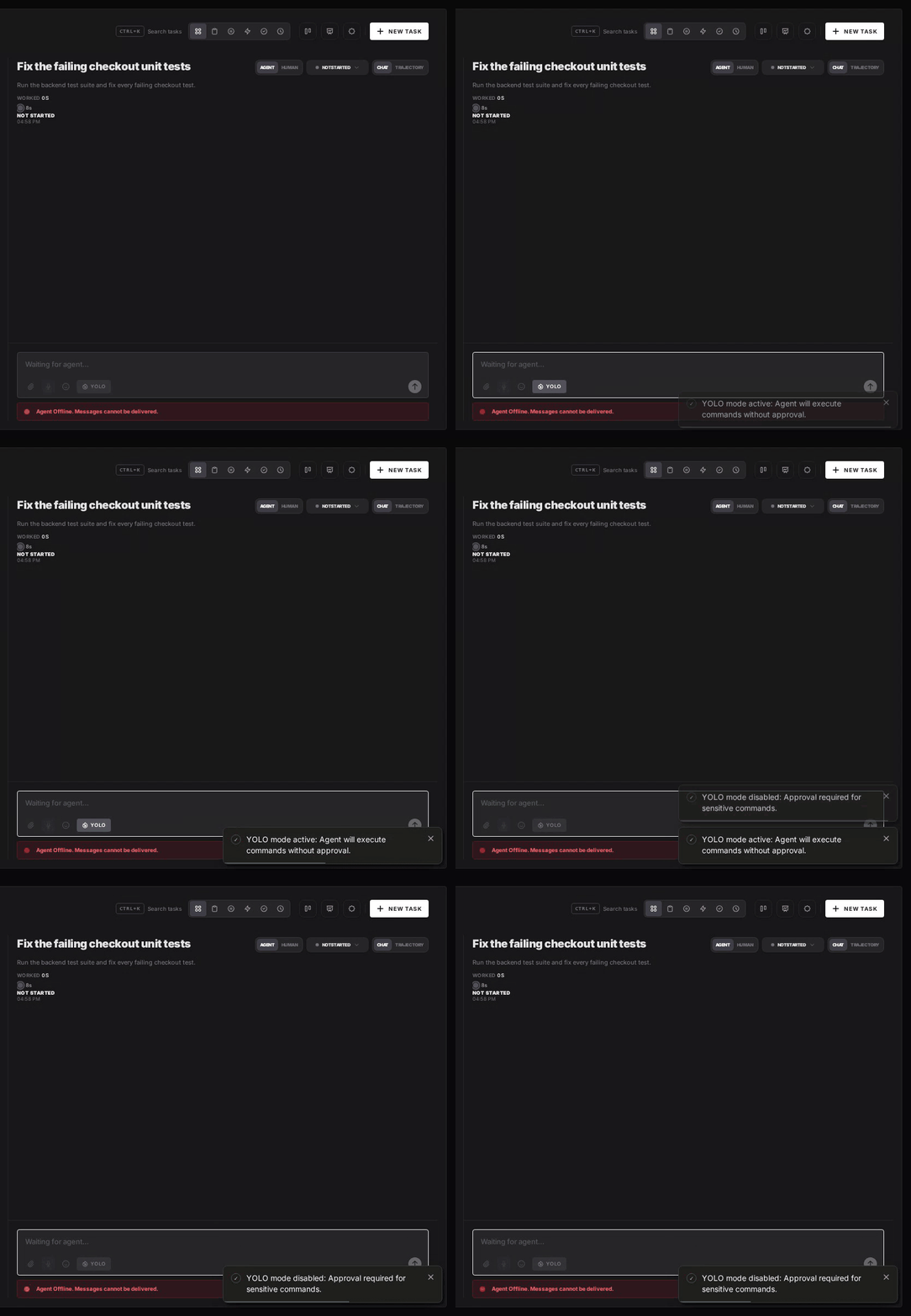
AgentRQ's per-task YOLO mode toggle approves permission requests automatically. crow-cli sends none, so the toggle changes nothing for it: it already runs every call it has a tool for. The toggle still matters for other agents in the same workspace. Scheduled tasks, event triggers and workflow steps have the same switch.
Turn YOLO On or Off in Workspace Settings
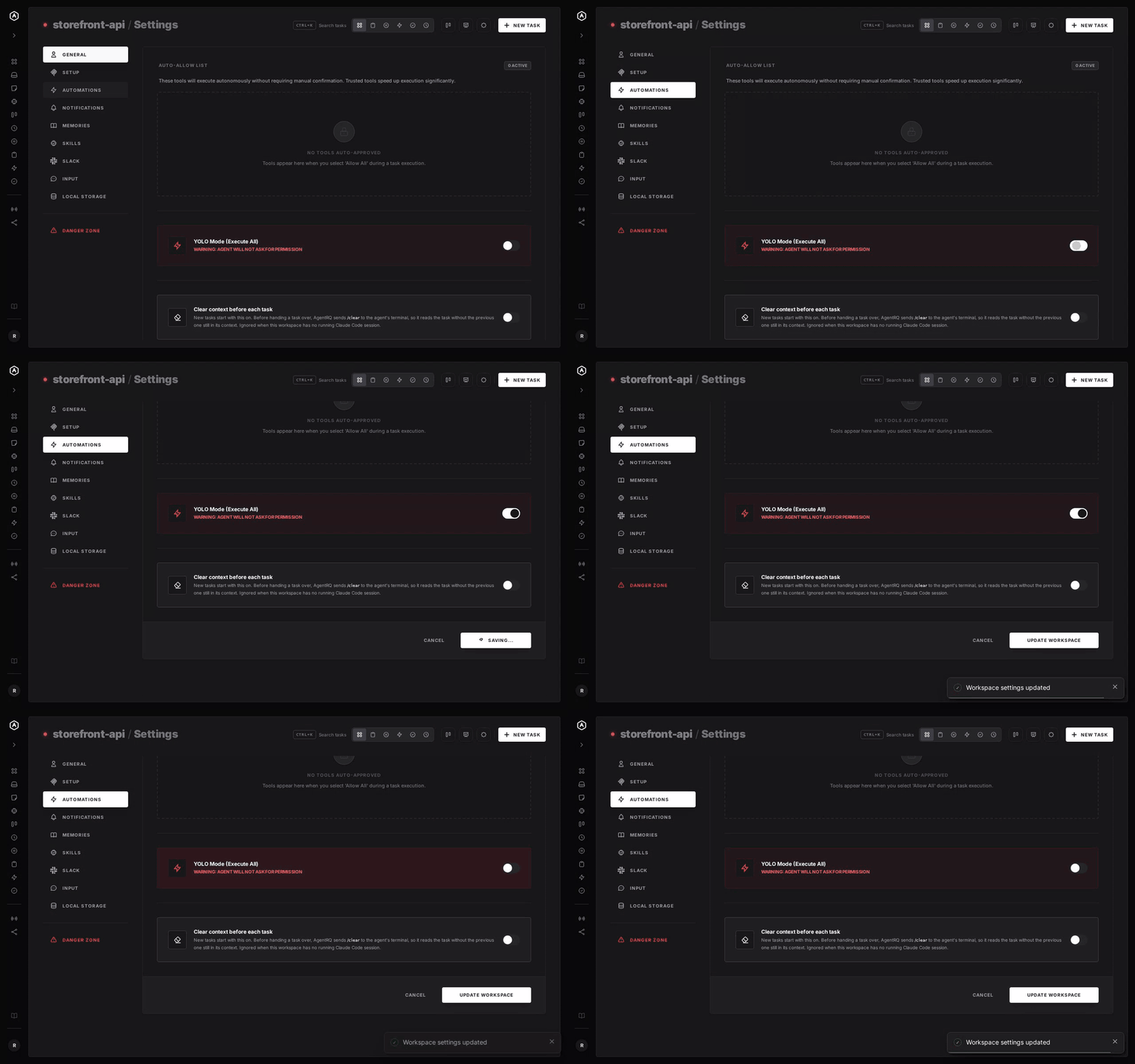
To make YOLO the default for a whole workspace, open the workspace, go to Settings, choose the Automations tab and flip YOLO Mode (Execute All). Click Update Workspace to save. Switch it off the same way. The switch is off by default. Like the task toggle, it does not change how crow-cli behaves.
A Safe Setup for crow-cli
- → Hand it fewer tools.
--include-toolsis the only gate crow has. Leave outterminalandexecuteunless the task needs them. - → Bring your own sandbox. crow has none, so run it in a container or a throwaway clone.
- → Commit first. Start every task from a clean git tree, so any change is one
git resetaway. - → Read the record. The tool call history lists every call crow made in the task.
FAQ
Does crow-cli have a YOLO mode? No. Its agent never asks for permission, so it always behaves like YOLO mode.
How do I stop crow-cli from running shell commands? Leave terminal and execute out of the tool list. Start its MCP server with crow-cli mcp --include-tools and name only the tools you want.
Where does crow-cli get its tools? From the MCP servers its client passes when a session starts. It has no built-in tools. Through AgentRQ's ACP Gateway, that means the servers in your .mcp.json.
Does AgentRQ's YOLO toggle change anything for crow-cli? No. The toggle answers ACP permission requests, and crow-cli never sends any. Its tool calls still show up in the task's history.
For every other agent, see what YOLO mode is and how to turn it on in every coding agent.