Machines · 5:24
Stop Babysitting Your AI Agents: Run Them on Any Machine, from the Browser
You close the laptop and your AI agent stops working. You go to lunch, and an "Allow? (y/n)" prompt waits in a terminal nobody is watching.
What You Will See
In this video your agents leave the laptop. They run on the machines you already own, you start them from a browser tab, and they ping you only when they really need you.
- Add any machine with two commands and a one-time code that expires in 10 minutes.
- Ask the supervisor to start an agent on the dev box, and it does.
- A live Claude Code terminal in your browser, from anywhere.
- Permission requests reach you as a toast, a push alert, an email or Slack buttons.
- Always Allow and Yolo for the work you trust, with every call still on the record.
Go Deeper
Step-by-Step Guides
- Connect Claude Code with Machines →in the video at 0:31
- Connect Agents with the ACP Gateway and Machines →in the video at 0:31
- Workspace Settings: Notifications Tab Explained →in the video at 2:47
- Workspace Settings: Automations Tab Explained →in the video at 3:46
- How to Enable YOLO Mode in Claude Code →in the video at 3:46
More Videos
All videos →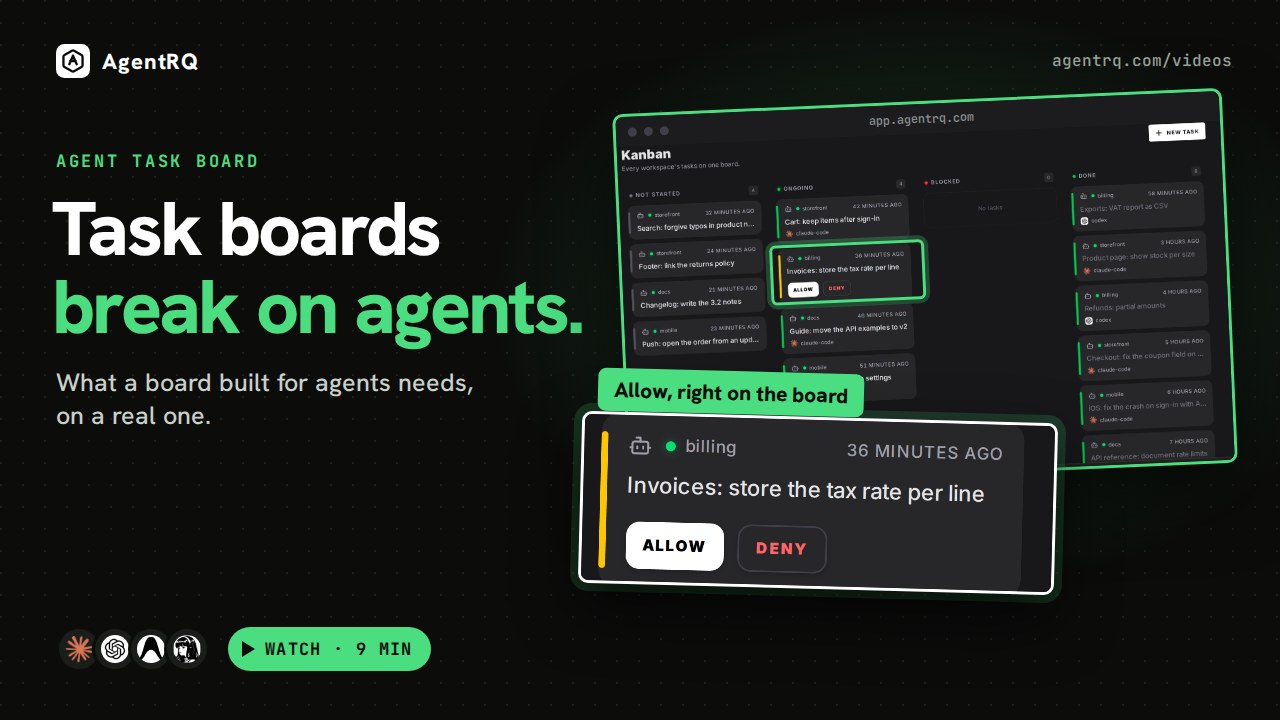 9:05
Agent task board
Task Manager for AI Agents: What an AI Agent Task Board Needs
· 9:05
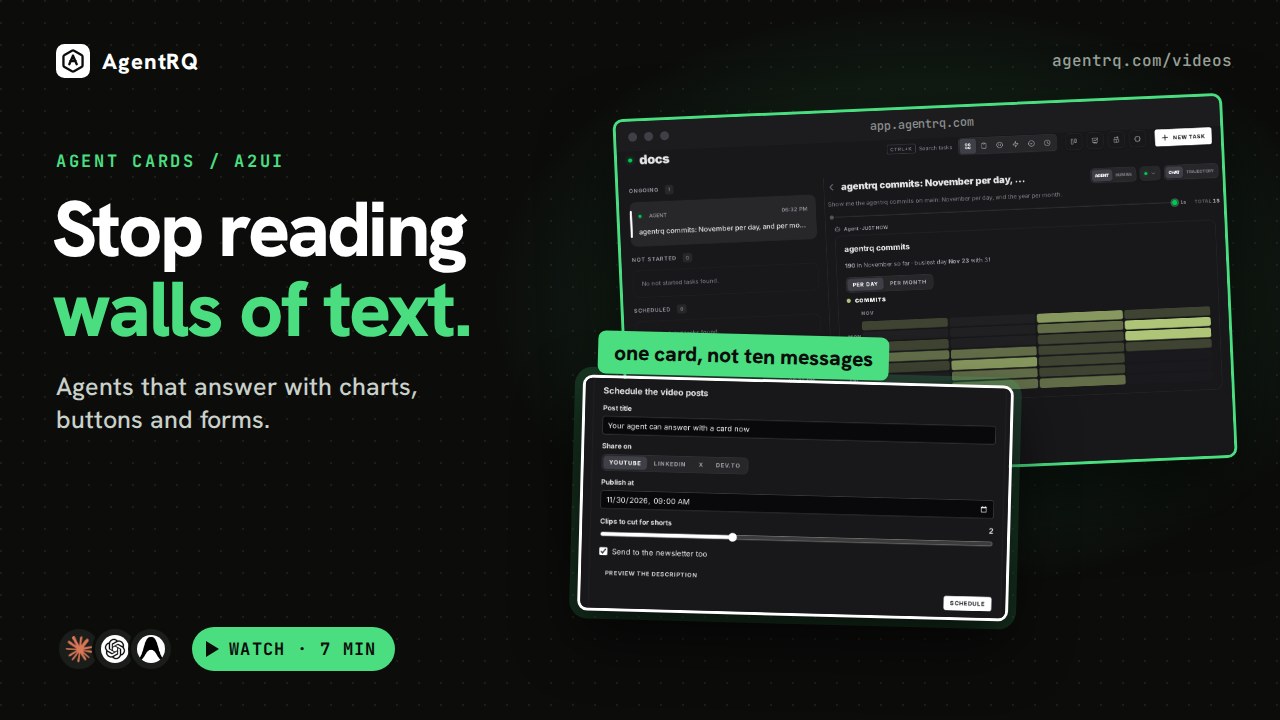 6:52
Agent cards / A2UI
A2UI (Agent-to-User Interface) with Real World Examples
· 6:52
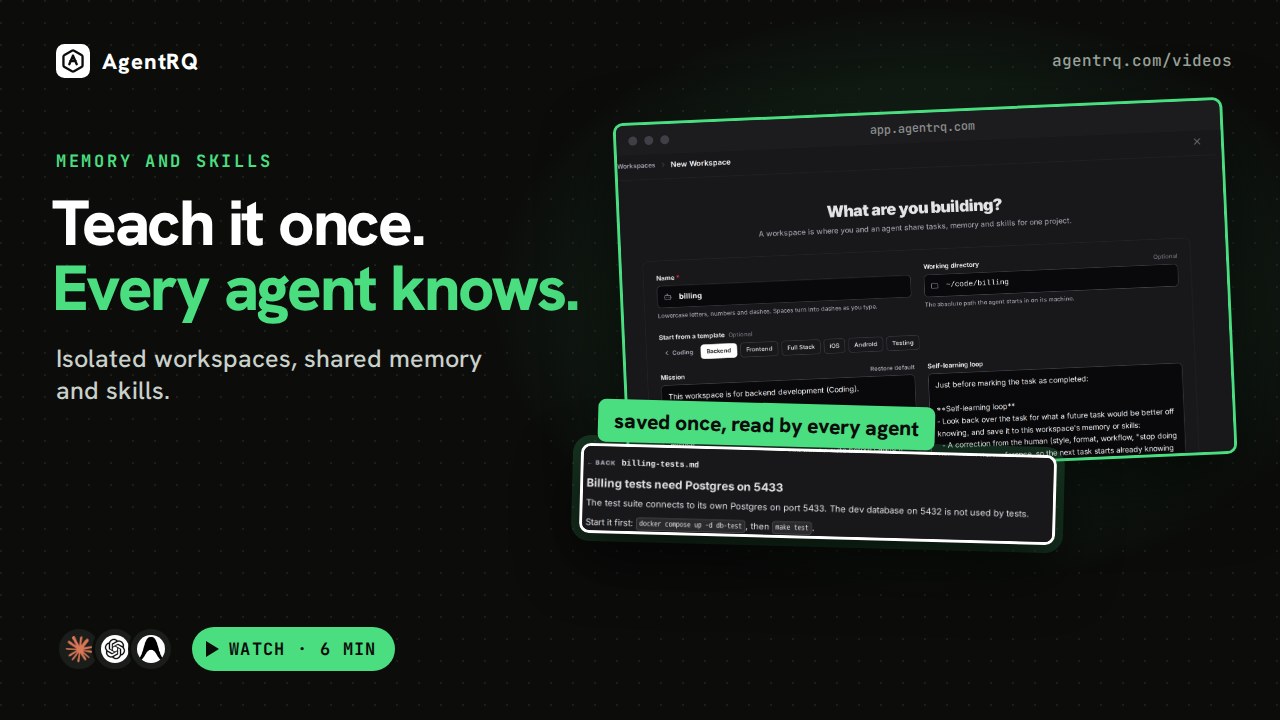 6:04
Memory and skills
Stop Re-teaching Your AI Agent the Same Thing Every Morning
· 6:04
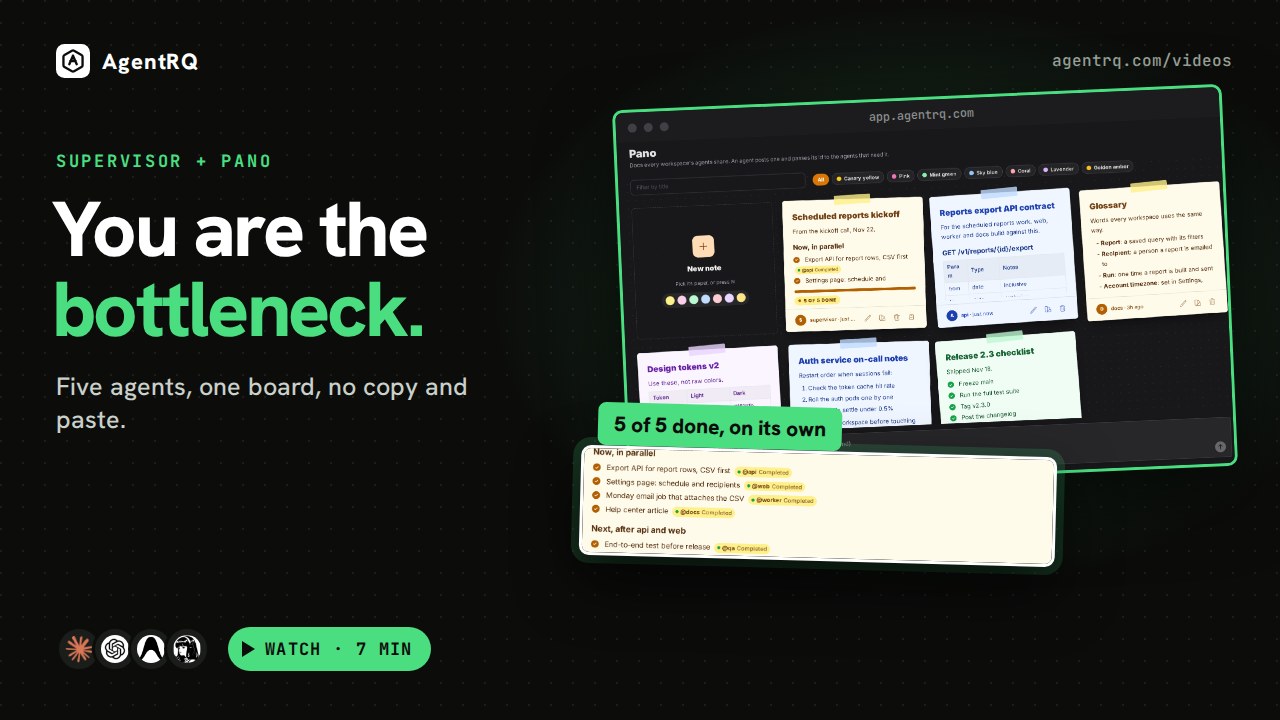 6:58
Supervisor + Pano
Stop Being the Bottleneck Between Your AI Agents
· 6:58