AgentRQ Hooks: Outside Requests Become Agent Tasks
A hook turns a request from an outside service into one of your account's events, and so into a task. When a GitHub issue opens, a CI run fails, someone sends a Jira issue or a cron job calls a URL, the agent in the right workspace gets a task with the request's details in it. These guides walk through every step, with screenshots from a real run of three registrations: GitHub issues for storefront-api, Jira issues for web-app and nightly backup alerts for ops.
 Any Webhookcurl -X POST $HOOK_URL → a task
 Deliveries and Setuprejected, ignored, published · Replay · Rotate
 GitHub Issues and CIissue.opened, ci.failed, pr.opened → a task
 Jira IssuesActions → Send to AgentRQ → a task
 Write Your Own HookGOOS=wasip1 GOARCH=wasm go build
How the Pieces Fit
Four things work together. You set up the last two first, because a hook only fires an event.
- → A hook is a small WebAssembly program that checks a request is genuine and decides which events it fires. AgentRQ ships three built-in hooks: github, jira and generic. You can also write your own.
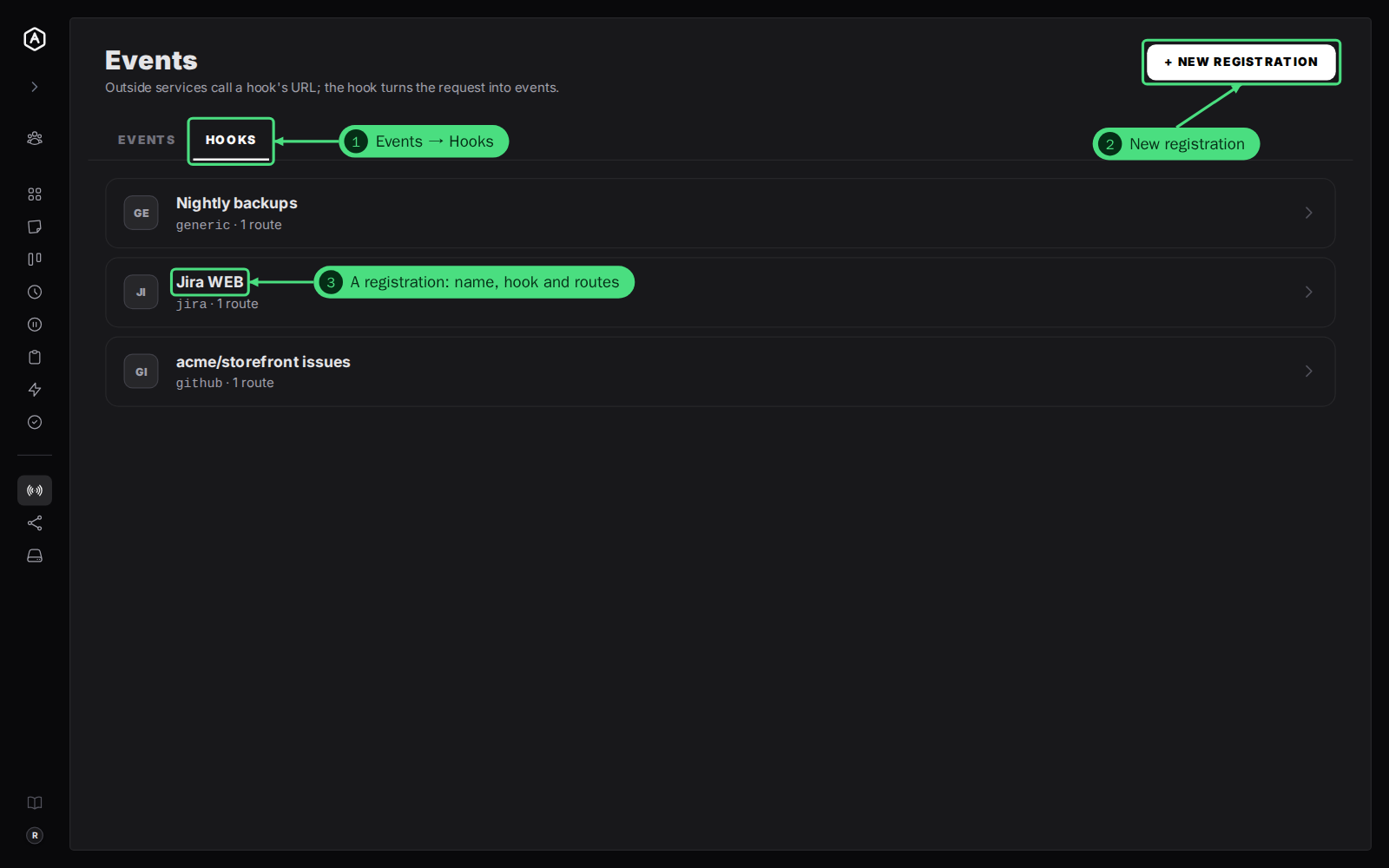
- → A registration is one use of a hook in your account. It has a name, its own payload URL, the hook's inputs (such as the webhook secret) and routes.
- → A route maps one of the hook's events, such as issue.opened, to one of your events. An event left Not routed is logged and fires nothing.
- → Your event and its trigger. An event fires the tasks its triggers describe. A trigger names the workspace that gets the task, the task's title and its instructions. Put
{{EVENT_PAYLOAD}}in the instructions to bring in the request's details.
So a request travels like this: the service calls the payload URL, the hook checks it and picks events, the routes turn them into your events, and each event's trigger files a task for the workspace's agent.
Which One Do You Need?
- → GitHub issues, pull requests, CI runs, releases or pushes. Turn GitHub issues and CI failures into agent tasks.
- → Jira Cloud issues and comments. Send Jira issues to an AI coding agent.
- → Anything else that can send an HTTP request, such as a CI step, a monitoring alert or a cron job. Start an agent task from any webhook.
- → A task didn't appear, or you lost the URL. Check hook deliveries, replay, rotate and reach your server.
- → A service no built-in hook covers. Write your own hook in WebAssembly.
Before You Start
- → A workspace with an agent connected to it, such as Claude Code. See connect Claude Code with machines. A task created while the agent is offline waits under Not started until it connects.
- → On a self-hosted server, the hook you want must be installed. If it isn't listed under Events → Hooks → New registration, the server's operator adds it once: see install a built-in hook.
- → The service must be able to reach your server. On agentrq.com it can. On a laptop or a private network, see making the URL reachable.
Stay Safe
Anybody who can send a hook a genuine request can start a task. Every hook checks a secret, and the payload URL carries a token, so keep both private. Route only the events you would let that service start. A route to an event whose trigger has YOLO mode on, which runs every command without asking, is marked with a warning: without YOLO, the agent still stops for your Allow or Deny before any risky command.
For what Hooks unlock and how they compare with other ways to hand agents work, see the Hooks feature page and which AI coding agents can be assigned tasks from team chat or an issue tracker.